Page setup: paper, margins, headers and footers
Every page setting is one line under page: in the front matter, the same key in the API and the MCP tool. Each sample shows one of them on a real document.
Paper formats, landscape pages, custom sizes, margins, headers and footers in Markdown, and page numbers in any style, each set in front matter.
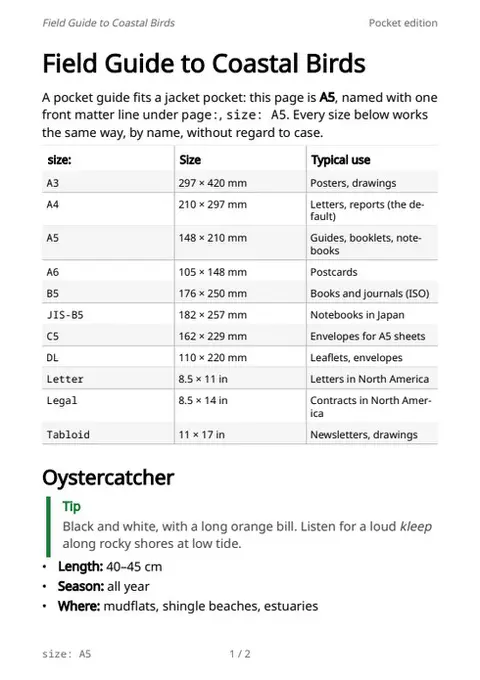
Paper format
size: A5 under page: names the paper: a pocket field guide with a table of the A, B, C, JIS and US sizes.
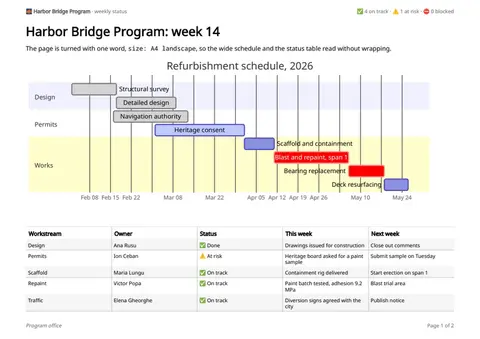
Landscape pages
size: A4 landscape turns the page for a wide schedule and status table, under an emoji and bold header.
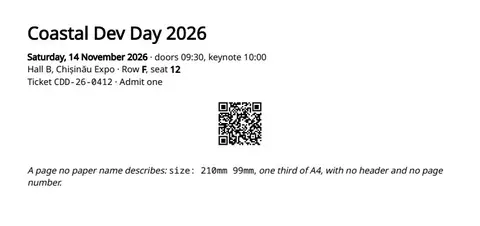
Custom page size
size: 210mm 99mm makes an event ticket with a QR code, no header and no page number.
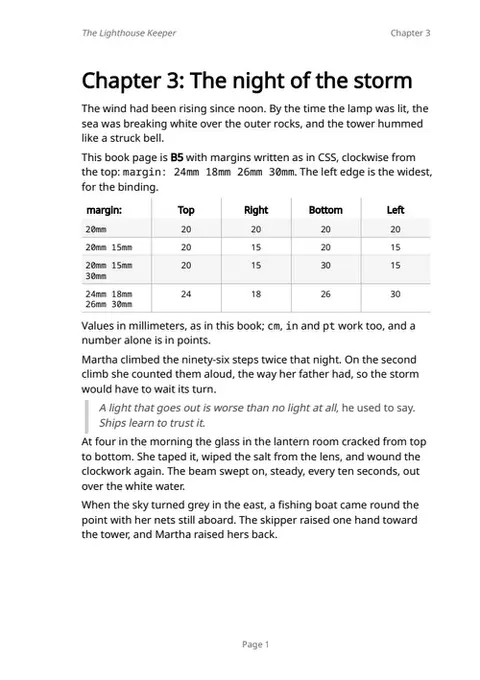
Margins
margin: 24mm 18mm 26mm 30mm, clockwise from the top as in CSS: a B5 book page with a wide binding edge.
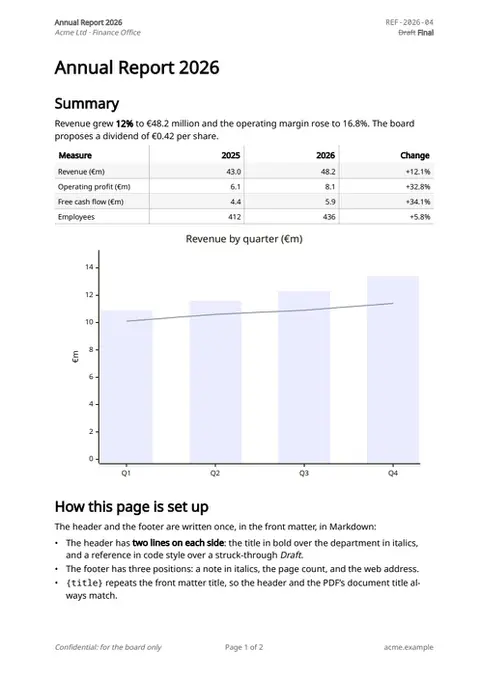
Header & footer
A two-line header on each side and a three-part footer, in bold, italics, code and strikethrough, written once in front matter.
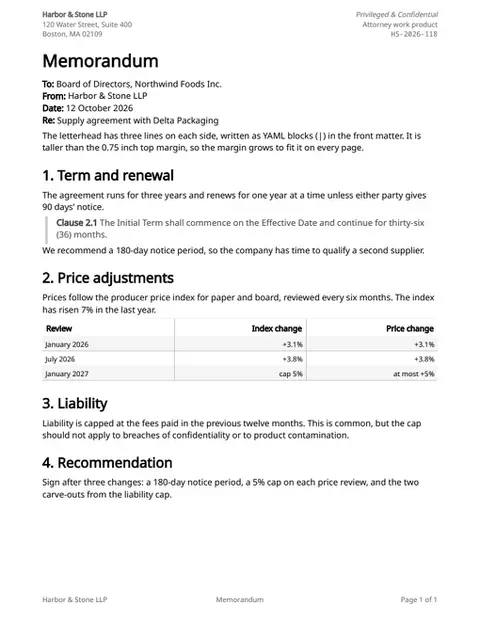
Letterhead
A three-line letterhead on each side of a legal memo; the top margin grows to fit it on every page.
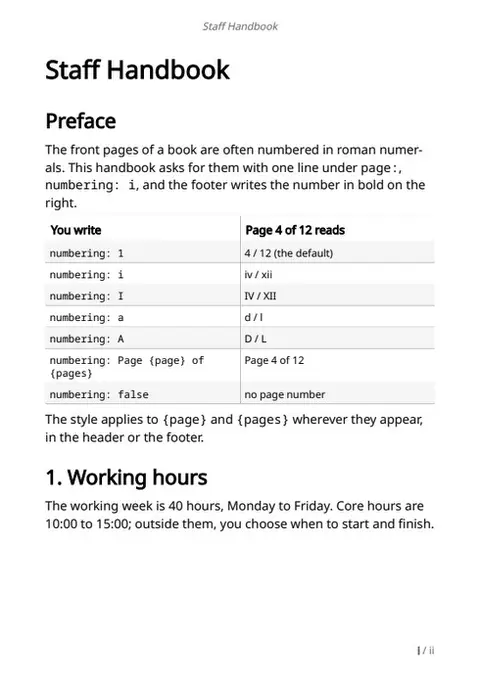
Page numbering
numbering: i writes roman numerals; the footer places the number in bold on the right. Letters and text work too.
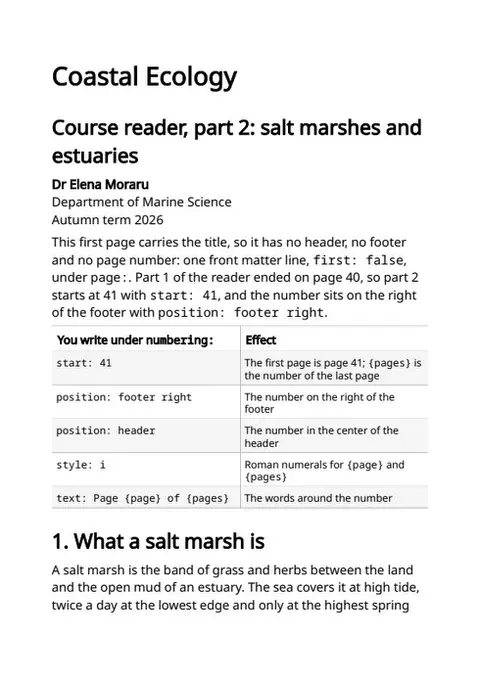
Title page & first number
first: false leaves the title page bare; numbering starts at 41 on the right of the footer, to continue part 1 of a course reader.
The sample documents describe invented organizations in several countries. All names and figures are illustrative.