Markdown text and structure in PDF
Each everyday part of a document has its own sample here, with its rendered pages and its PDF. Open one in the editor to change it and convert again.
Headings, inline formatting, lists, tables, footnotes, embedded HTML and the document furniture around them.
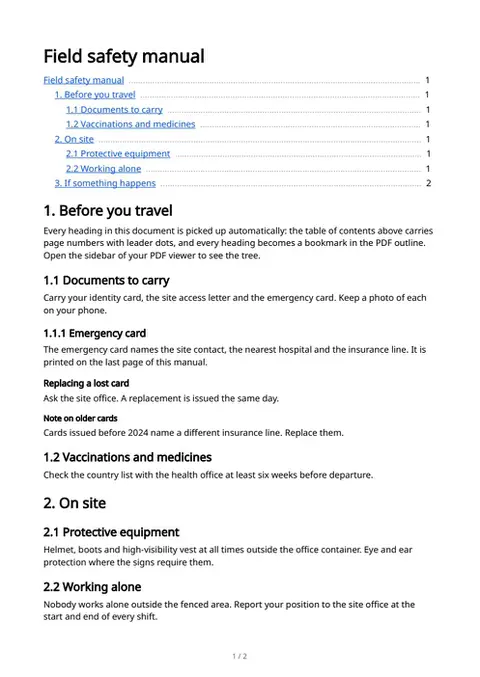
Headings & table of contents
# through ###### plus setext, a [TOC] with page numbers and leader dots, and a PDF outline bookmark for every heading.
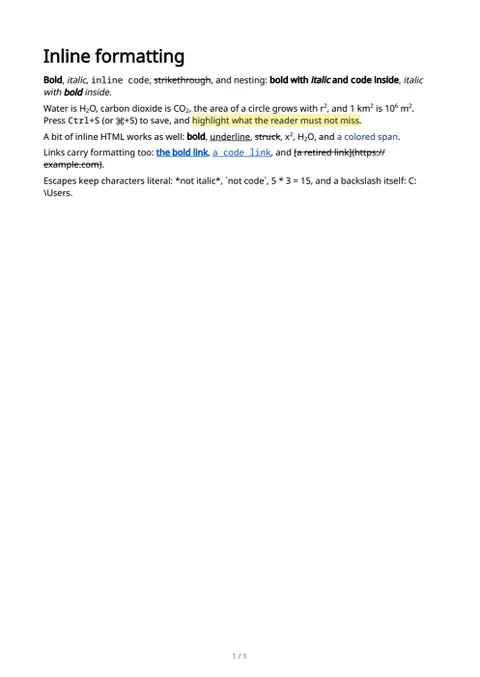
Inline formatting
Bold, italic, code and strikethrough nest freely, plus ==highlight==, <kbd> keys, ^superscript^ and ~subscript~ for units and formulas in prose.
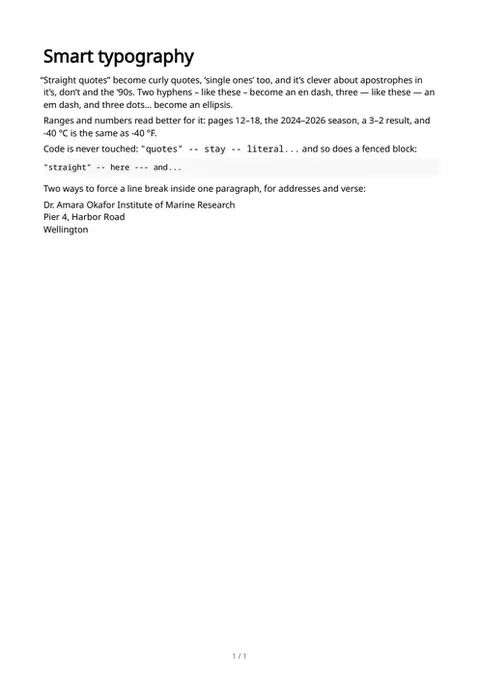
Smart typography & hard breaks
"Straight quotes" turn curly, -- and --- become dashes, ... becomes an ellipsis, and code is never touched. Toggle: smart_typography.
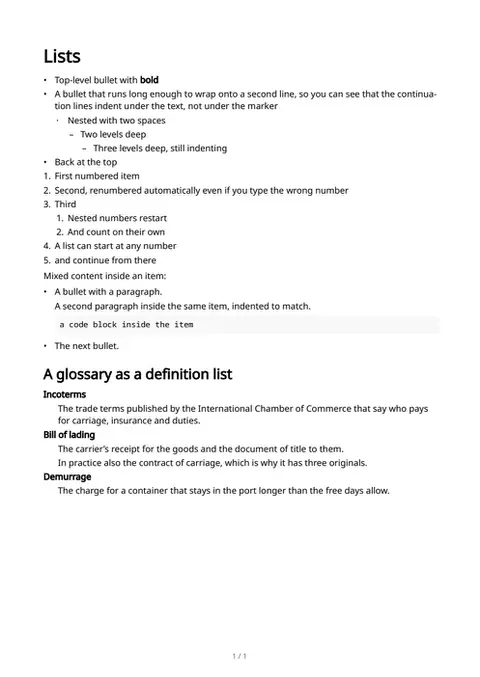
Lists
Bullets nest with two-space indentation, numbered lists renumber themselves and can start anywhere, and Term/: definition lists set a glossary.
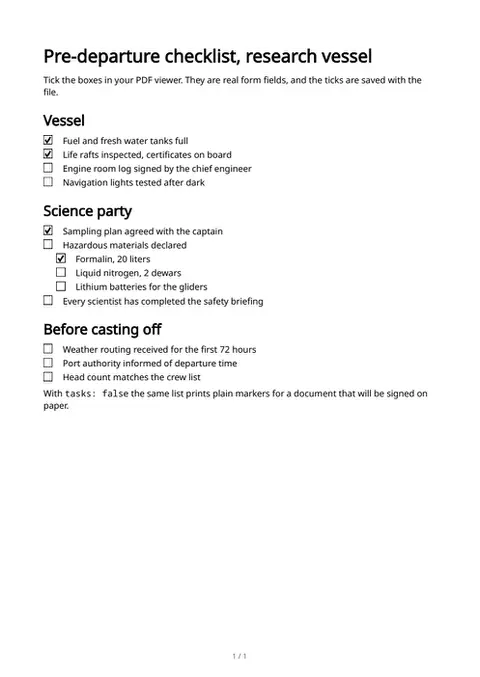
Task lists, clickable checkboxes
- [ ] becomes a real form checkbox you can tick in the PDF viewer, nested or not. Toggle: tasks (off: printed markers).
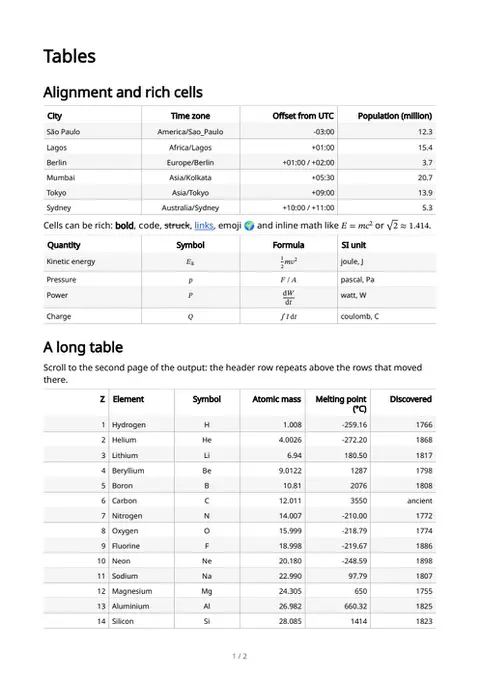
Tables
Column alignment via |:---:| separators, rich cells with math and links, numeric columns, and a header that repeats when a long table breaks across pages.
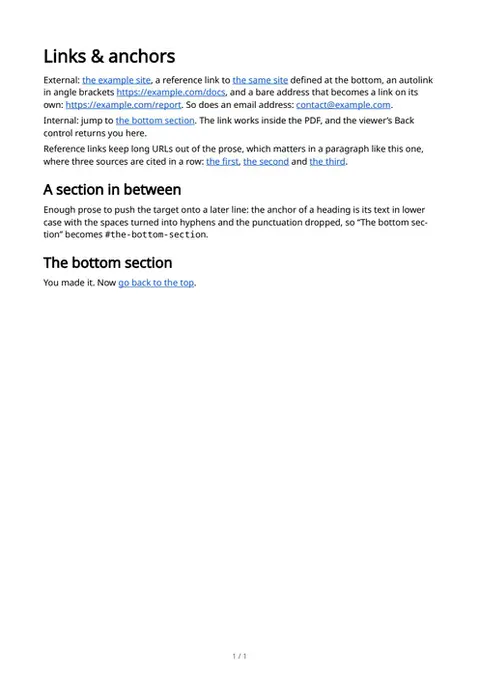
Links & internal anchors
Inline, reference-style and automatic links, bare URLs and email addresses that become links on their own, and jumps to headings inside the document.
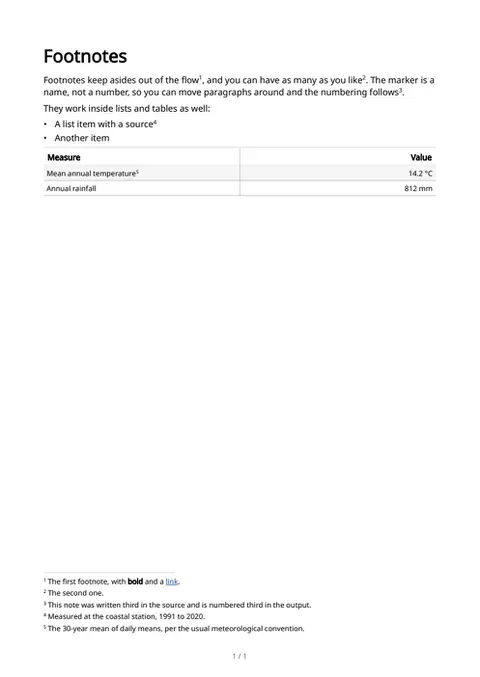
Footnotes
[^name] references collect as numbered footnotes at the end of the document, with formatting and links inside them.
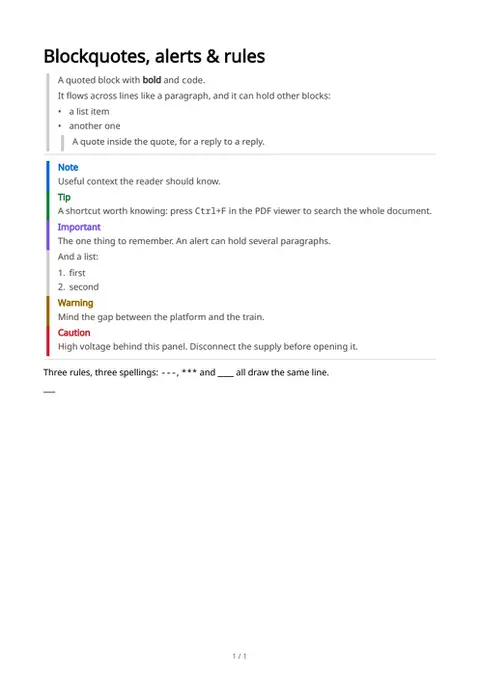
Blockquotes, alerts & rules
Quoted blocks that nest and hold lists, horizontal rules, and the five alert kinds > [!NOTE] through > [!CAUTION] with their colors.
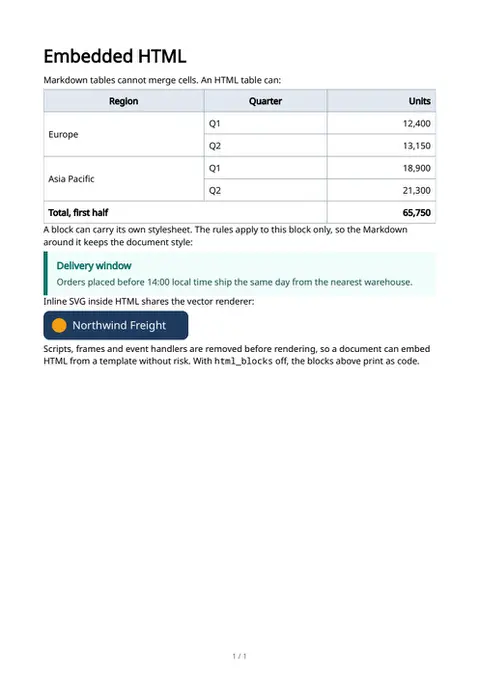
Embedded HTML & CSS
HTML blocks render with their own styles: a table with rowspan and colspan, a styled box with a <style> block, inline SVG. Each block's CSS is scoped to it. Toggle: html_blocks.
The sample documents describe invented organizations in several countries. All names and figures are illustrative.